Keep useful notes.
Capture the decisions and context your process needs.

Meeting notes & next steps
Keep useful decisions connected to the people and work they belong to, after the meeting ends.
Let’s talk about your process See exampleUseful notes. Owned actions. Clear follow-through.
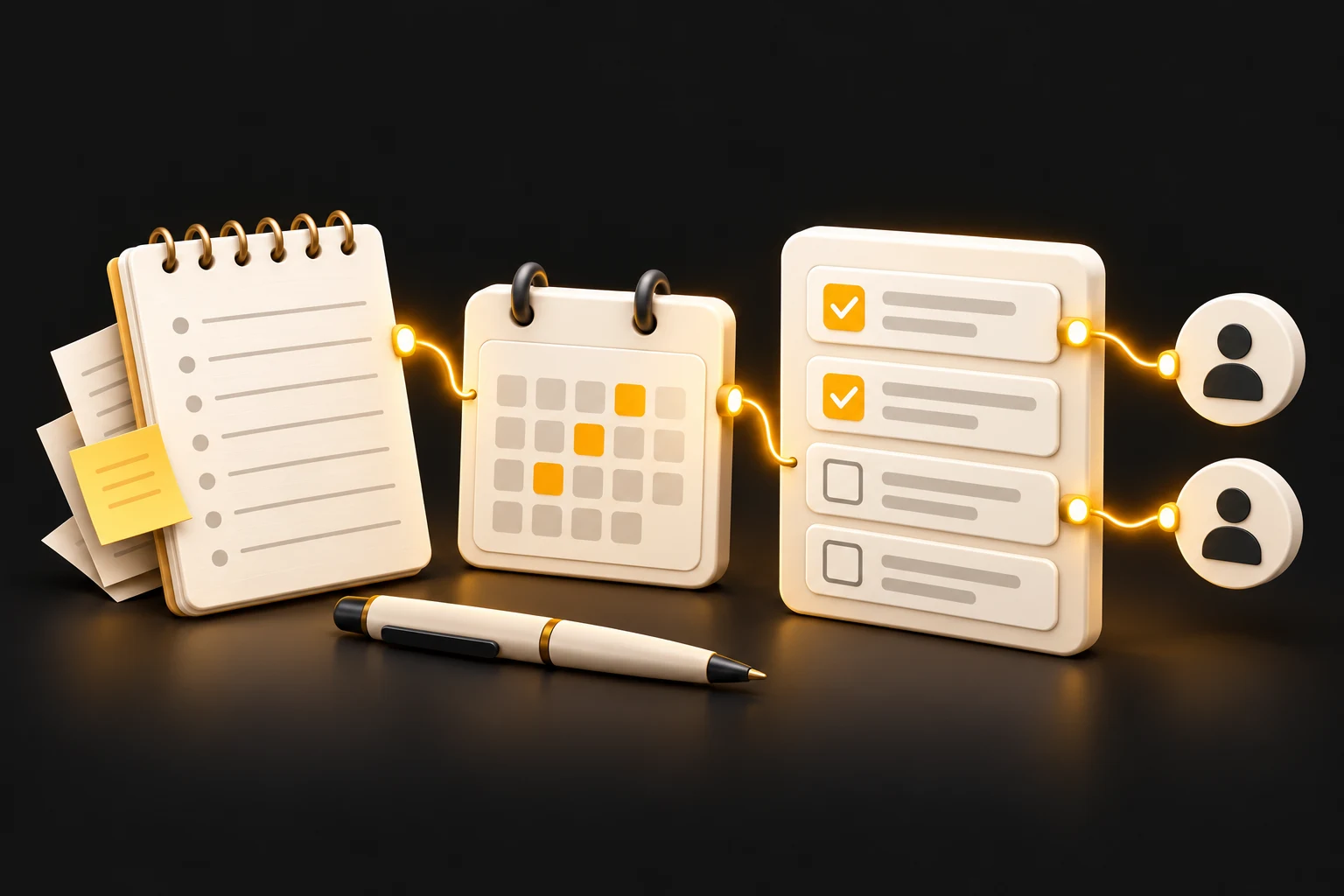
The everyday headache
Notes stay in a document. Tasks live elsewhere. Someone has to piece the follow-up together.We connect the outcomes to the right project, owner, and next action.
Capture the decisions and context your process needs.
Turn an agreed next step into work someone can pick up.
Associate the notes with the relevant client, project, or internal record.
What it could look like
A team might finish a client meeting with useful decisions in one document and the project work tracked somewhere else.
A tailored workflow could connect reviewed notes to the project and assign each agreed action to an owner.
Keep the useful part of the conversation moving.
Illustrative scenario. Your solution starts with your process.
The headache
The team has to recreate the next steps elsewhere.
A possible solution
Associate the outcome with a project and assign actions.
The aim
People can find the context and the work they own.
No. A workflow can start from notes entered by a person. Recording or transcription is only considered if it is appropriate to the project.
Yes. A person can review the notes and actions before anything moves to a shared workspace or another recipient.